

I’ve said it before, and I’ll probably say it again: finding the right organizing tools and system(s) is key to getting and staying organized.
As I have worked to develop my own habits and systems, I have tried a number of different organizing tools. Some have worked well; others have helped to a point, but ultimately didn’t serve all my needs; others haven’t worked for me at all.
I want to share some of those tools today, and explain how they have or haven’t helped me.
Organizing Tools that Work Well for Me
While I may use one tool more than others, there isn’t only one that I use exclusively. Rather, I combine the use of several tools into one larger organizing system. This way, I get to capitalize on the advantages of each and I’m not constricted by their limitations.
1. Bullet Journal
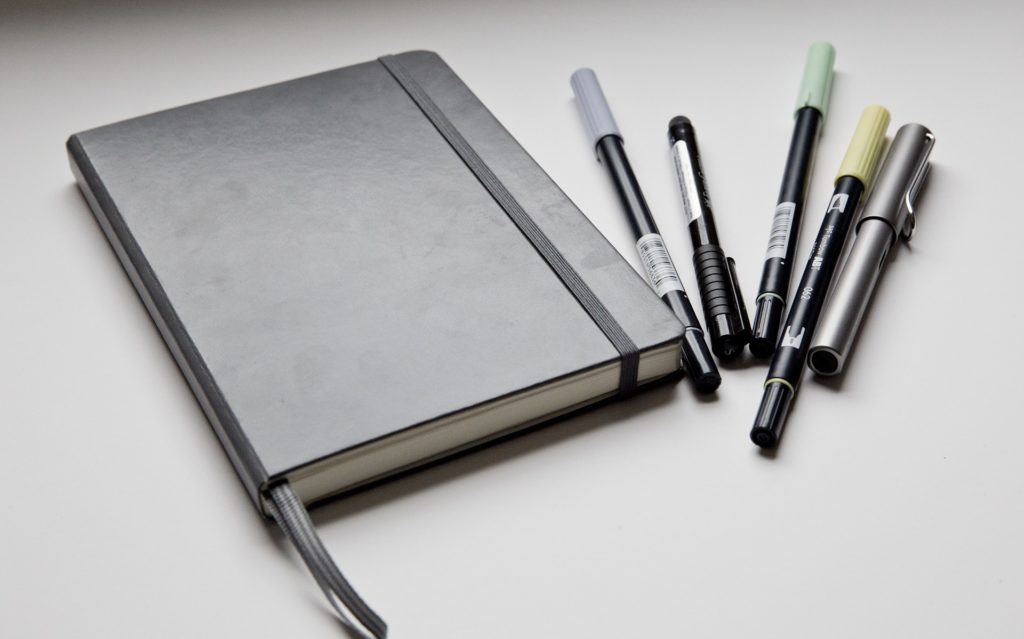
Of course, I have to start here!
My bullet journal is my main calendar and planner. I use it to plan my months and weeks, to make daily to-do lists, and to keep track of tasks and goals.
Because a bullet journal starts out entirely blank and I fill it in as I go, I’m able to tailor everything to what I need and how I think. I can easily change, add, or remove any element as needed, and design and alter the format of every single page.
It strikes the perfect balance for me, because I can create structures without being confined to those structures for the entirety of the notebook. (I often do, but I don’t have to.)
2. Pre-Printed Planner
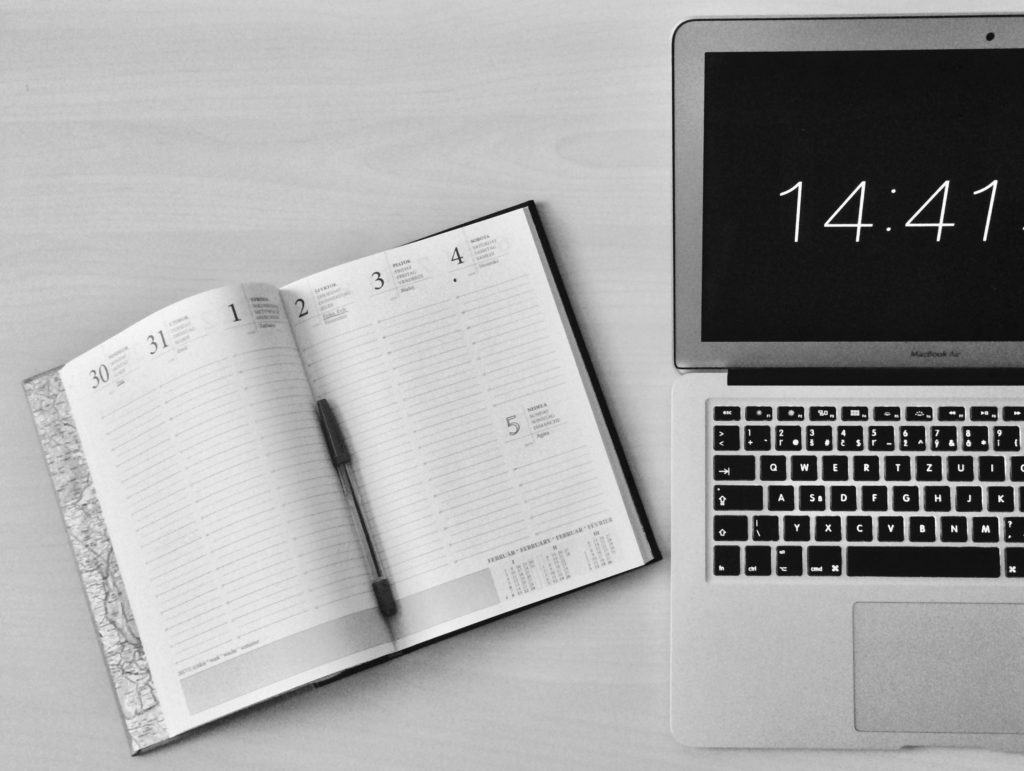
Although one advantage of a bullet journal is keeping everything in one notebook, I actually have a few other notebooks/planners in addition to it. One of these is my business planner.
I like having a separate planner for my business stuff, because it helps me separate work from personal life. When I open this planner, I know I am in “work mode,” which helps keep me from getting distracted.
Mostly, I use this to track how I spend my work time, and to decide on a few focus tasks for the week. I use a little bit of color-coding, but I don’t decorate it like I do my bullet journal. I keep it simple and work-focused.
3. Trello
Trello is an online organizing tool. It’s great for making checklists, especially ones that need to be made over and over again.
I like to use Trello for two main things: routine checklists and keeping track of information that may outlast my six-month bullet journal. These are things that would be a pain to have to write by hand over and over again, or that I need to have handy at times when I may not have access to my journal.
I have some lists for storing information, and others for checklists that are in progress. I’ve created template cards for certain routines, like my weekly and monthly resets, with a checklist of all the tasks involved in that routine.
When I’m ready to begin that routine, all I have to do is create a new card from the template, and it copies over the checklist. No need to write out every single task every week or month.
In the past, I have simply written out these routines in my journal on a routines reference page, but it’s helpful (and motivating) to me to actually check each item off the list.
4. Weekly & Monthly Resets
These are less of a tool and more of a routine, but they are invaluable to my goal-setting process. (I’ve written more about them here!)
My resets involve both evaluating what I have done previously, and planning for what I will do next. They help me catch up on tasks or goals that I have forgotten or let fall by the wayside, and clear my mind.
And they have also helped in a way I didn’t expect. I don’t have to think so much about the tasks that I know I will complete during the weekly or monthly reset. It removes some of the decisions I might otherwise have to make, because I know exactly when I’ll get around to those tasks. I don’t have to stress over what to do now and what to do later.
Organizing Tools that Haven’t Worked as Well
Finding the right organizing tools and system is a process, which means there are going to be tools that I try that simply don’t serve my needs well. This doesn’t mean I think they aren’t useful tools — they just don’t work the way I need them to right now.
1. Digital Calendars
I know many people have great success with time blocking in Google Calendar or other similar tools, but for me this was just another thing to remember to do. I already use a weekly calendar setup in my bullet journal, so creating the same thing on a digital calendar proved redundant.
2. Pre-Printed Planner
Yes, this one belongs on both lists.
Before I started bullet journaling, I had always used a pre-printed planner. The problem was that I either left a lot of blank space, or needed to write things in places that had other labels. I couldn’t customize it very much, so I didn’t use it for much, either.
3. Habit-Tracking Apps
I consider my first bullet journal to be the start of my habit-building journey, but actually that’s not quite accurate. A few months before I started bullet journaling, I tried using an app that let me set daily habit goals and reminders.
Although I obviously learned that I prefer a more analogue approach, this app did help me start to develop the mindset I needed. I think it also encouraged me to look for a system that would work even better.
What Organizing Tools Work Best for You?
My journey towards better organization and more healthy habits doesn’t stop here. I intend to keep trying out new organizing tools and testing my systems to ensure that I don’t lock myself into something that no longer serves it purpose in my life.
Want free resources?
If you’d like some free resources to use as you test out what systems work best for you, check out some of the resources in my library.
Here’s a taste of what you can find there:
- Monthly and weekly review templates
- Worksheets to help you set & simplify routines
- Goal-setting worksheets
- And more!
Simply sign up below with your name and email to get access. It’s free to join, and you can unsubscribe at any time.
Did you know?
I offer writing & editing, podcast production, and virtual admin services.
Click here to see how I can help you get more time back in your day!